Manage and Authorize your users for 1Stream technical support access via Control portal
New Feature
We are happy to announce a new way to manage which users under your partner account that are authorized to open tickets and/or contact 1Stream technical support.
Once you are inside the Control Portal, navigate to System, Users
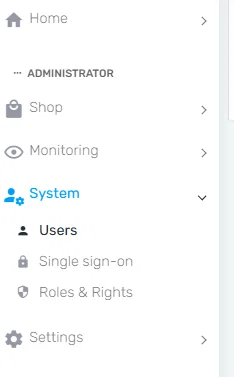
This is the standard users list that you would manage user access to the Control portal from.
You will find a new column called "Support access". Users that are authorized to contact 1Stream support will be "checked".

Users that are not listed here at all or users that are "un-checked" are NOT authorized.